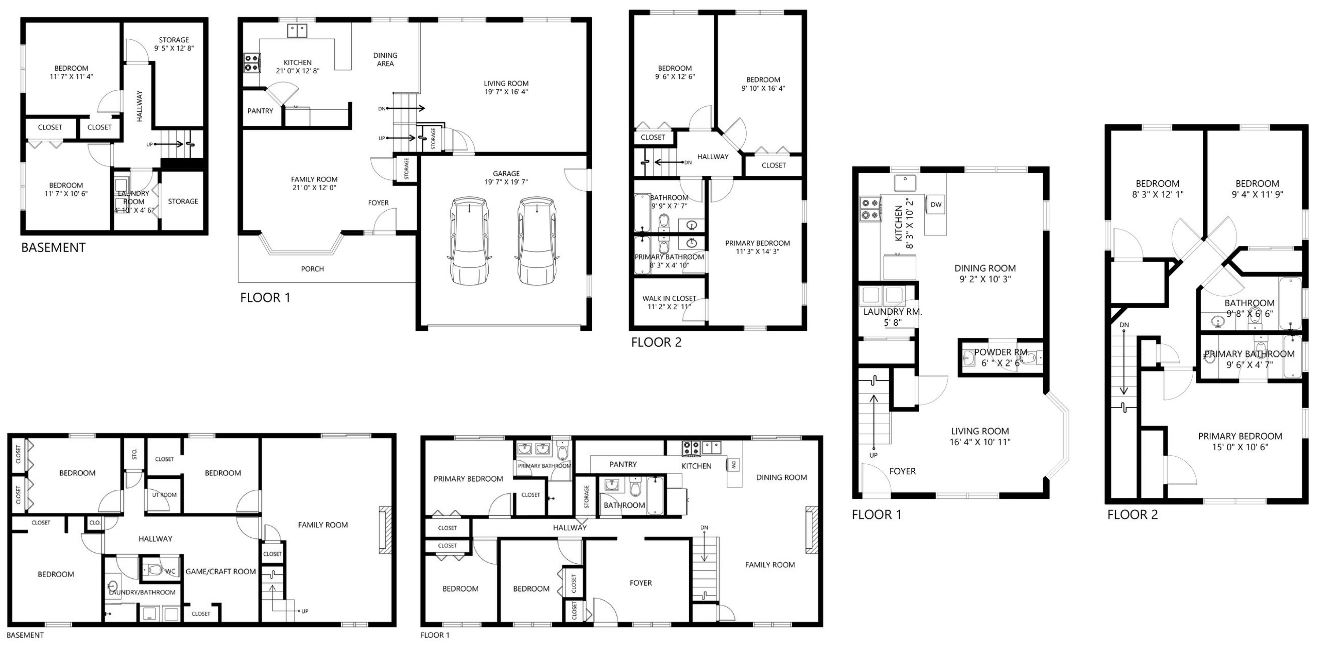
How to Upload a Floor Plan

To stand out from all the other listings we recommend you upload a floor plan.
As long as you have a Smart Phone you can get this done in minutes with no additional cost.
Just follow these Steps.
-
Go to Cubi Casa on your computer
-
Follow the prompts to Set Up a New Account
-
Select “Only Personal Use” and follow steps
-
You will also need to download the App on your phone



-
Click the Help icon on the bottom right

-
Select

- Go through and read relevant articles and watch the
training videos. 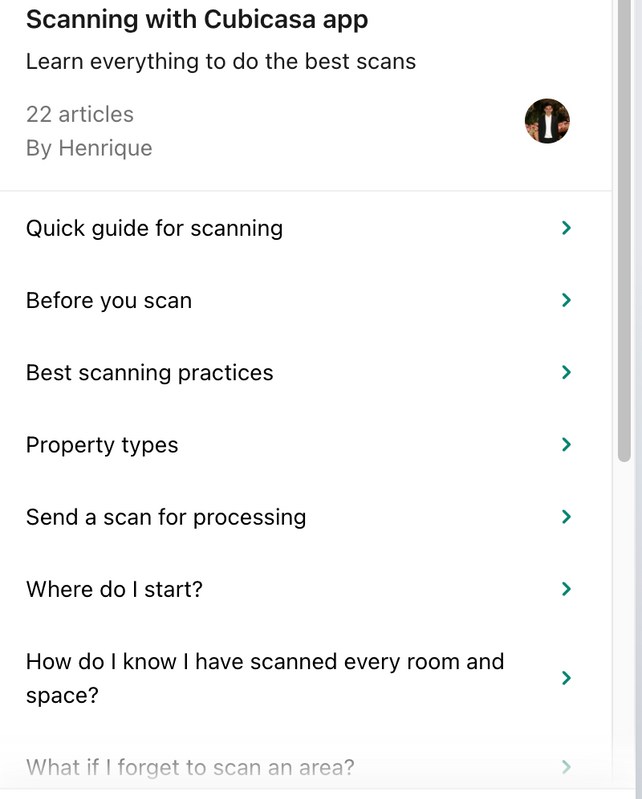
(Please take the time and watch the videos, it will make is so much
easier, and make sure you do your whole house in one take) -
After you have followed all the directions you are
ready to scan -
Once you have scanned you want to select “Send for
processing” then select “Lite” option, follow the
prompts then you are all set.
It is typically a 24 hr turn-around
If you want to pay for any of the upgrade options or services on their site that is 100% up to
you.
You will receive a notification when your order is ready. Once you have downloaded the floor plan email a copy over to us and we can upload it.
Examples: